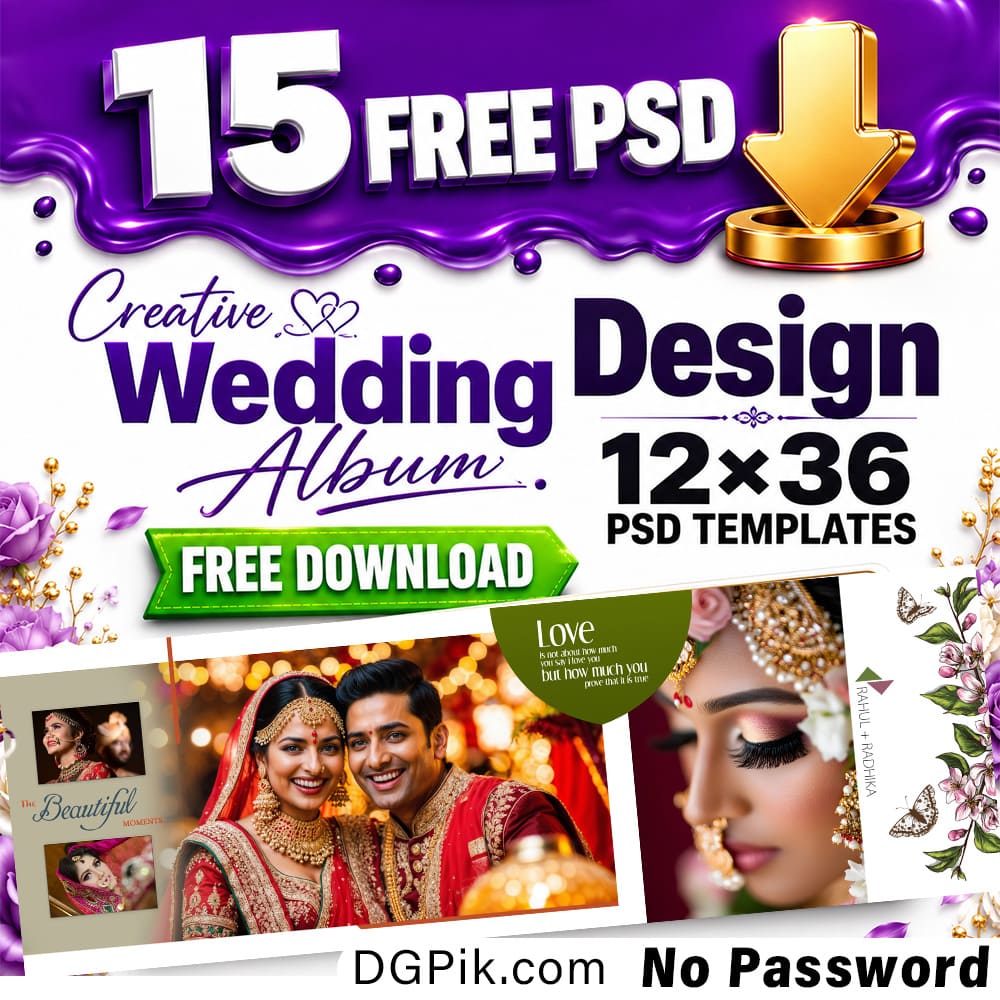
Download 20 Free 12×18 Wedding Album Cover PSD Templates for Photoshop. This free PSD pack is useful for wedding photographers, album designers, Photoshop editors, and photo studio owners who need ready-made cover designs for client wedding albums.
This pack includes 20 editable PSD files in 12×18 wedding album cover size. Each design can be opened in Adobe Photoshop, where you can replace photos, edit names, adjust colors, and prepare the final cover for album printing or client preview. The files are provided with no password, so users can download and start editing easily.
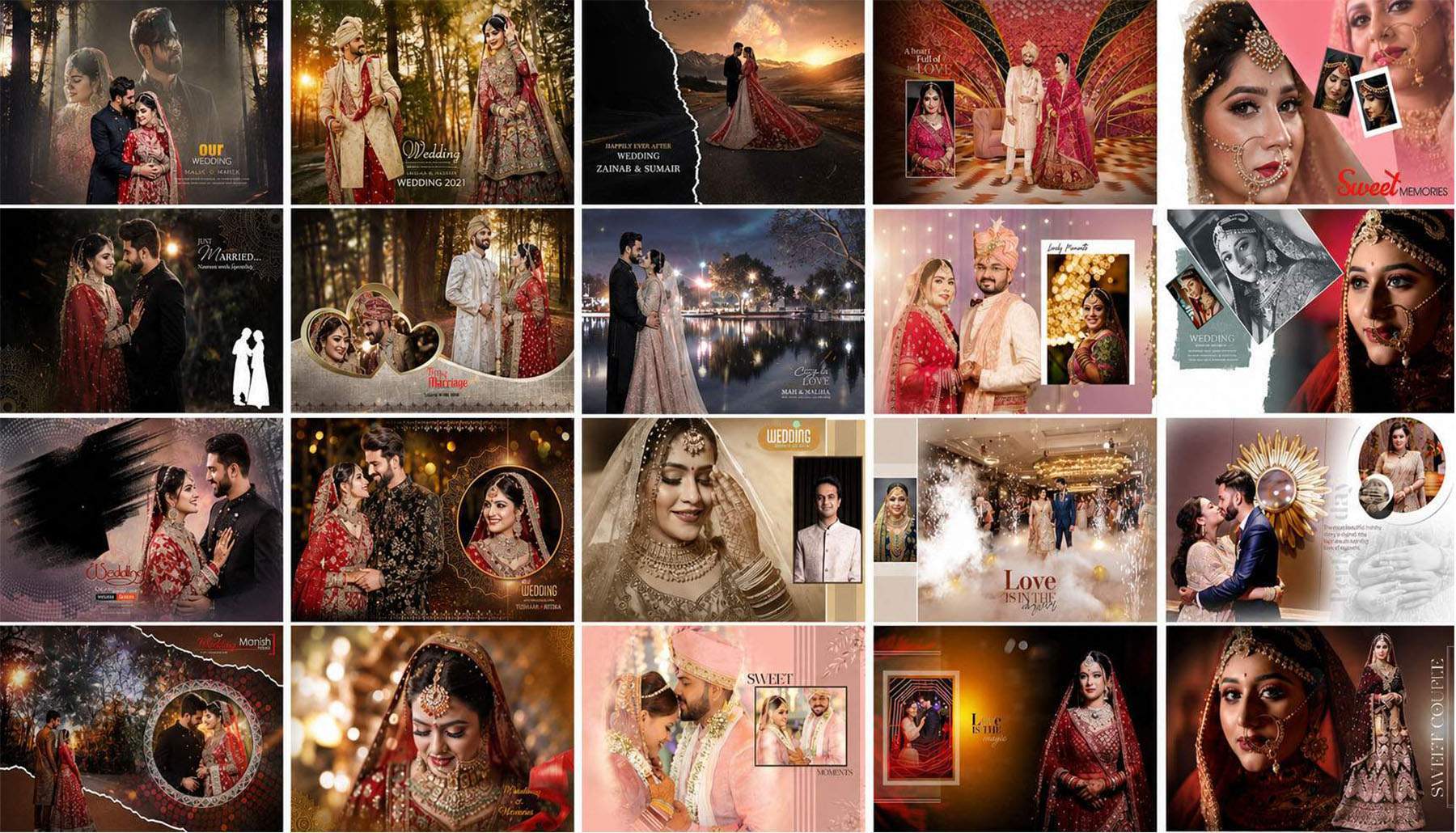
20 Free 12×18 Wedding Album Cover PSD Templates Download
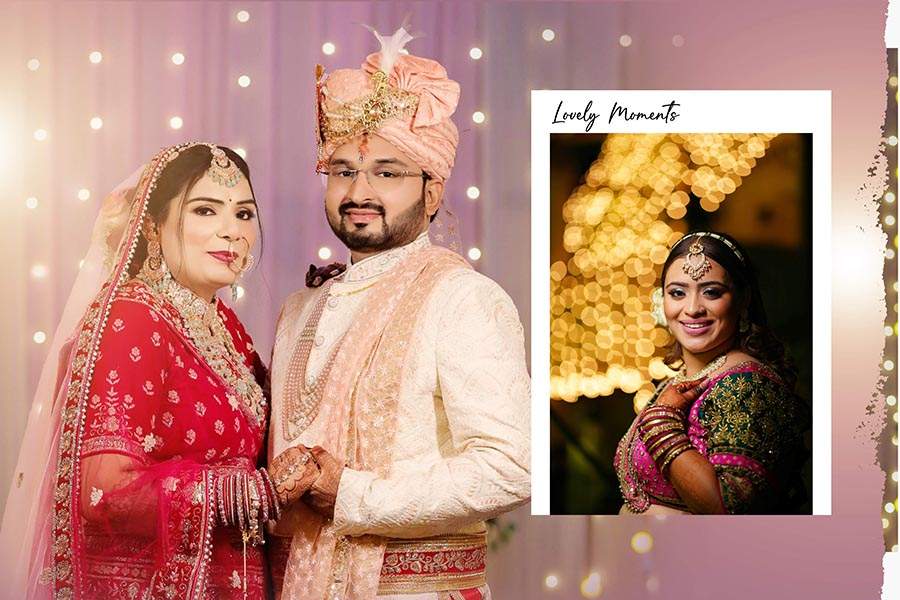
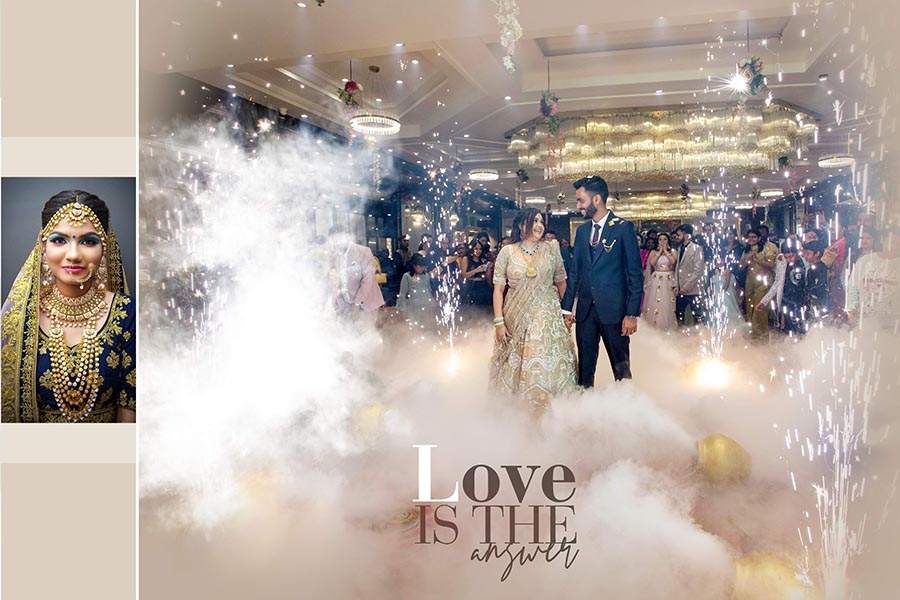
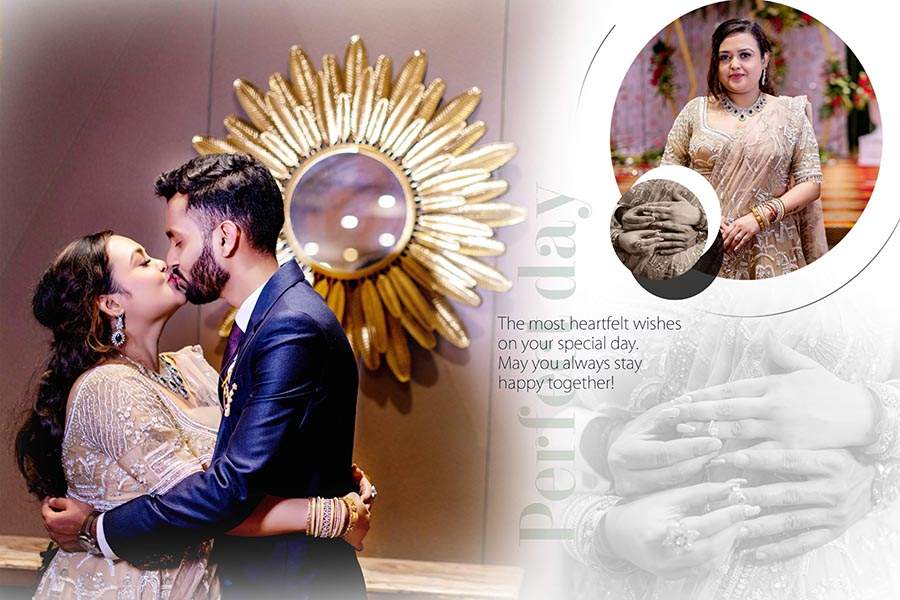
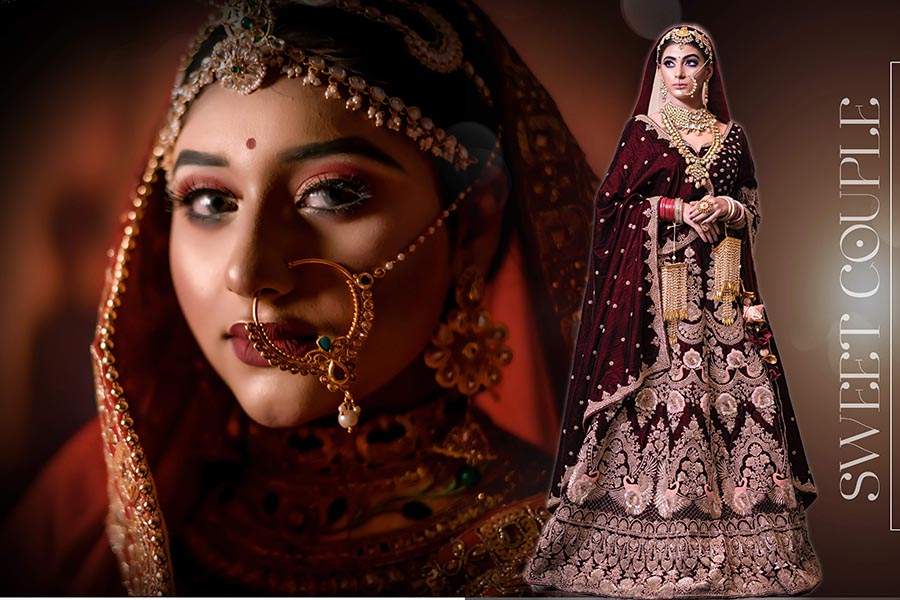
These Wedding Album Cover PSD templates are designed for Photoshop users who need clean and editable album cover layouts. The 12×18 size is suitable for wedding album cover work, especially for photo studios and designers who regularly create bride and groom album designs.
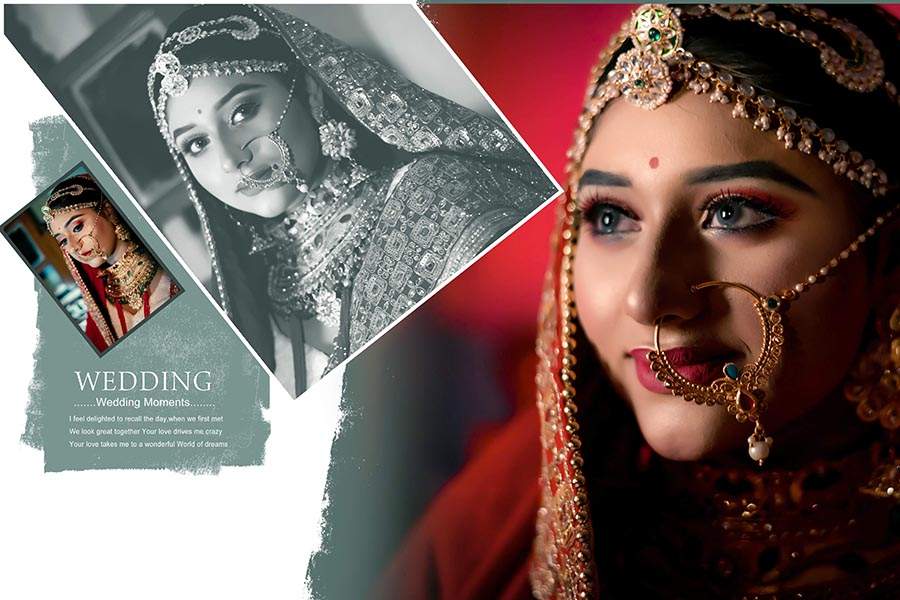
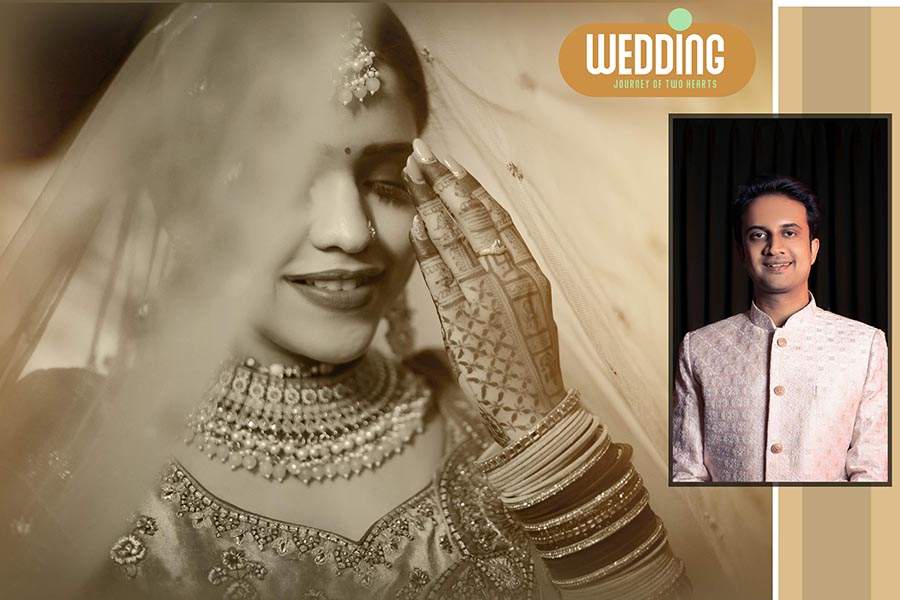
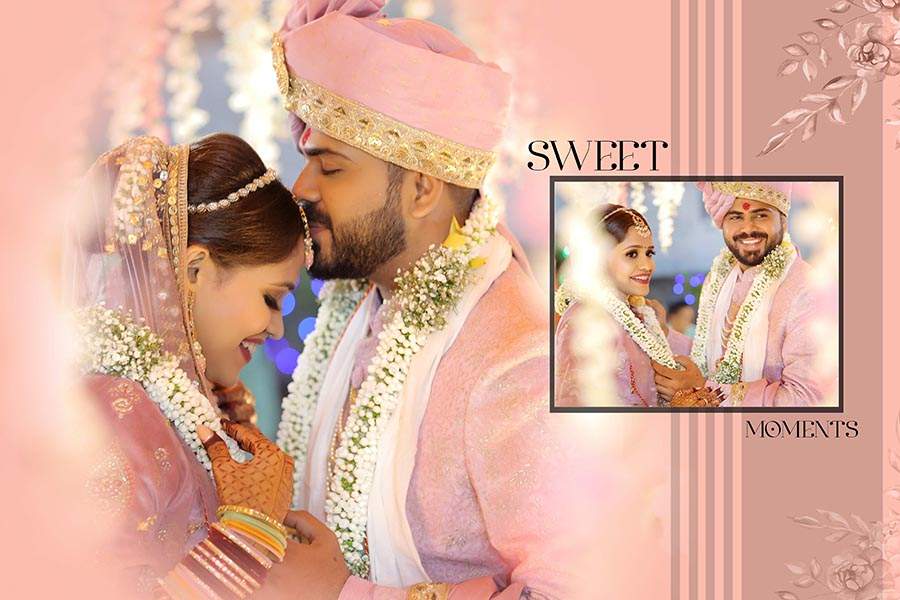
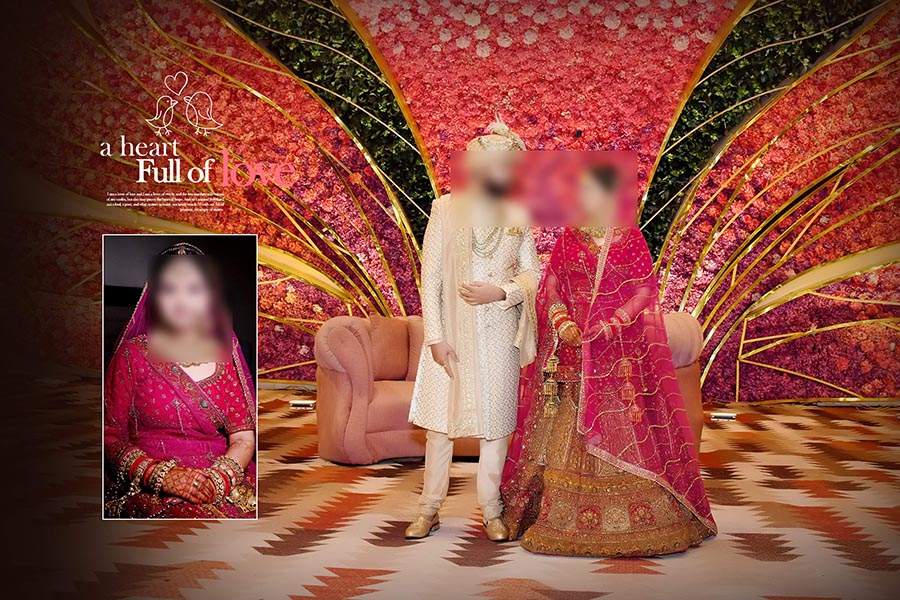
The pack includes 20 different cover PSD files. These designs can be used for bride and groom photos, couple portraits, wedding title pages, traditional album covers, and modern studio-style cover layouts. Designers can choose a layout according to the client photo style and wedding theme.
All PSD files are editable in Adobe Photoshop and come without password. After downloading the file, users can open the PSD, replace the sample images, edit the couple name or wedding text, adjust the background, and export the final cover design as JPG, PNG, or print-ready output.
WATCH DEMO VIDEO
Download 12×18 Wedding Album Cover PSD Files
Scroll down and check each preview placeholder. Add your preview image and download link under each PSD design so users can easily select and download the wedding album cover template they need.

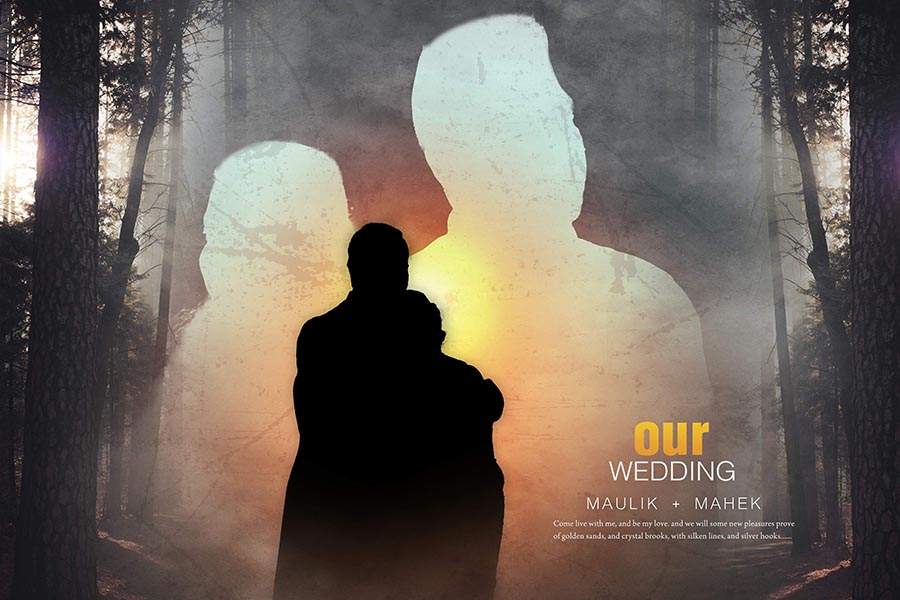





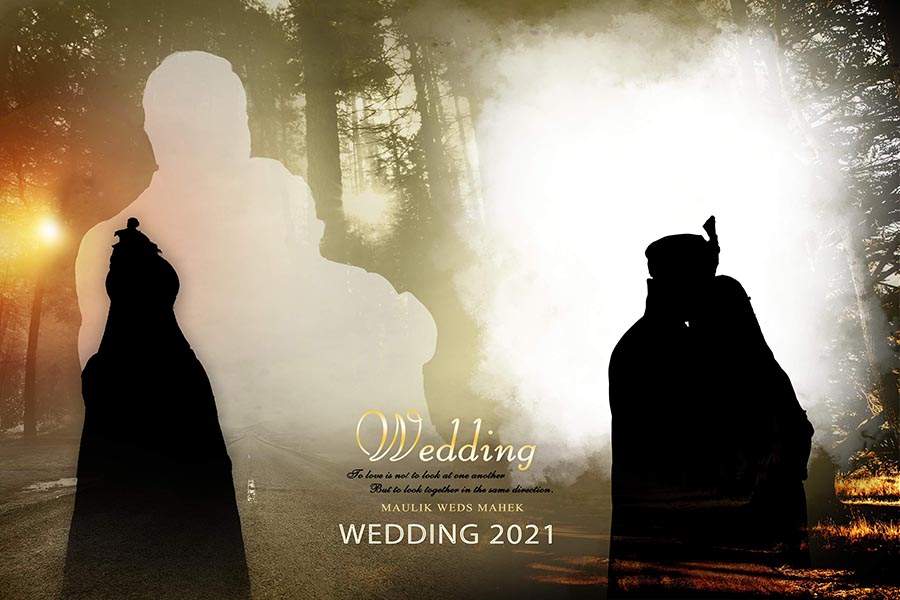




How to Customize Wedding Album Cover PSD in Photoshop
You can edit these 12×18 wedding album cover PSD templates in Adobe Photoshop. The design can be adjusted according to the couple photos, album theme, and studio style.
- Download the PSD file from the download button.
- Extract the file with WinRAR if the download file is compressed.
- Open the PSD file in Adobe Photoshop.
- Replace sample photos with bride, groom, and couple photos.
- Edit names, wedding date, title text, colors, background, and frame style if needed.
- Save the final cover design as JPG, PNG, or print-ready output.
Wedding Album Cover PSD Features
- Total Designs: 20 PSD Files
- Album Cover Size: 12×18
- File Format: Editable PSD
- Software: Adobe Photoshop
- Password: No Password
- Design Type: Wedding Album Cover PSD
- Best For: Wedding photographers, album designers, Photoshop editors, and photo studios
- Use: Wedding album cover design, bride groom cover layout, and client album projects
Related PSD Resources
You can also explore more free wedding album PSD templates for album designing work.
For matching album pages, visit our wedding album inner PSD designs section.
If you need creative photo layouts, check our collage PSD templates for Photoshop editing.
Frequently Asked Questions
Is this Wedding Album Cover PSD pack free?
Yes, this post provides 20 free wedding album cover PSD templates for Photoshop users.
What is the size of these cover PSD files?
The PSD templates are designed in 12×18 wedding album cover size.
Do these PSD files have a password?
No, these PSD files are provided without password.
Can I edit these wedding cover PSD templates?
Yes, you can edit these templates in Adobe Photoshop and replace photos, text, colors, and background elements.
Who can use these PSD templates?
These templates are useful for wedding photographers, album designers, Photoshop editors, photo studios, and graphic designers.
Conclusion
These 20 Free 12×18 Wedding Album Cover PSD Templates are helpful for creating wedding album cover designs quickly in Photoshop. The pack includes editable cover layouts that can be customized with bride, groom, and couple photos.
Download the PSD files, edit them in Adobe Photoshop, and create clean wedding album cover designs for your client projects.