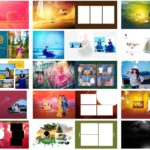
Download 13 Free Stylish 12×36 Wedding Album Design PSD files for Photoshop. This free PSD pack is useful for wedding photographers, album designers, Photoshop editors, photo studio owners, and graphic designers who need ready-made wedding album pages for client projects.
This pack includes 13 editable PSD files in 12×36 wedding album size. These templates are made for Adobe Photoshop, so users can replace sample photos, adjust text, change colors, edit backgrounds, and prepare final album pages for printing or client preview. The files are provided with no password, which makes downloading and editing simple.
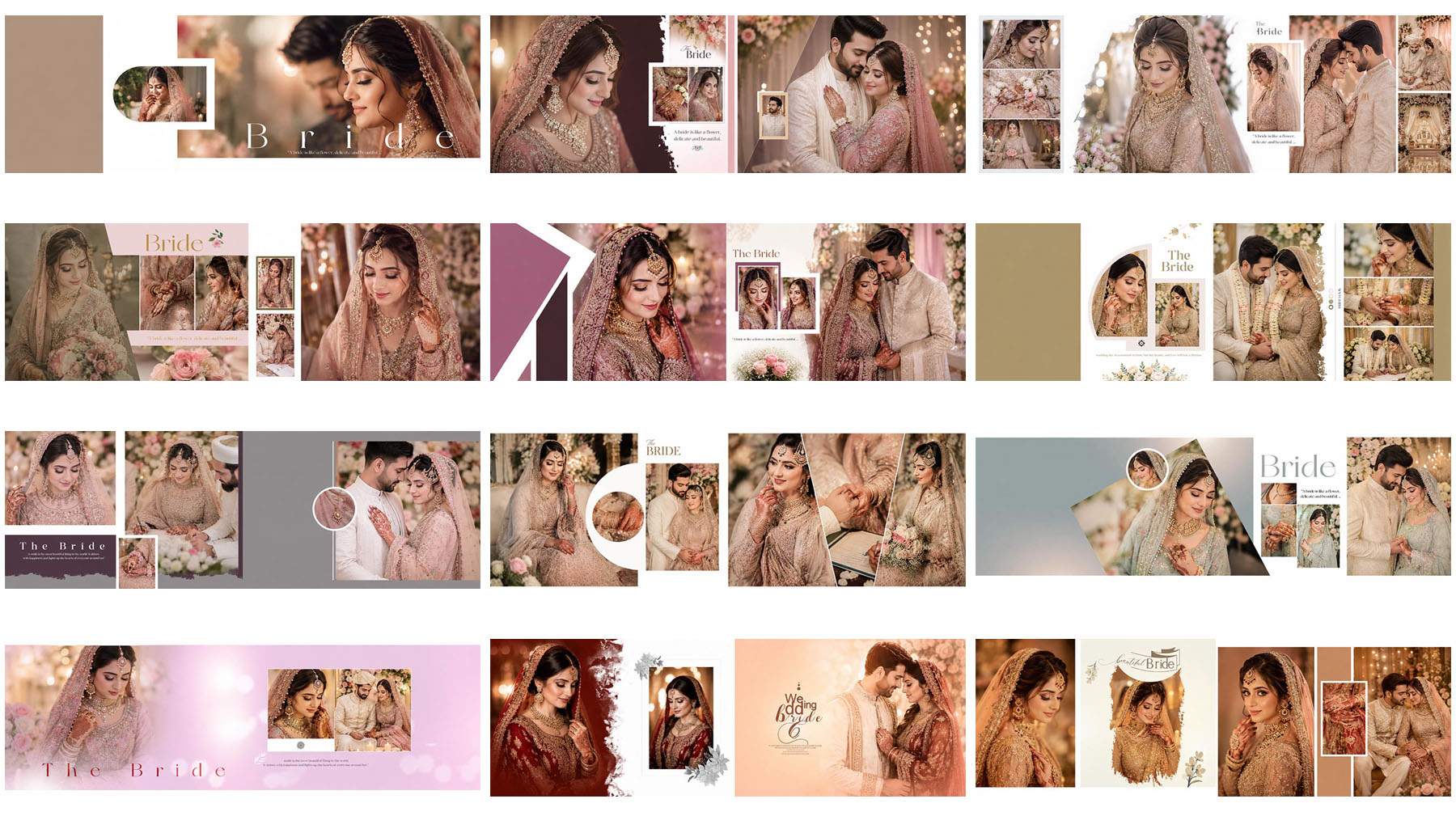
13 Free Stylish 12×36 Wedding Album Design PSD Download
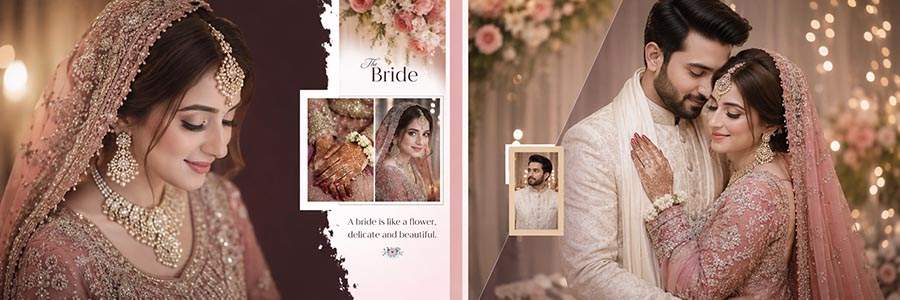
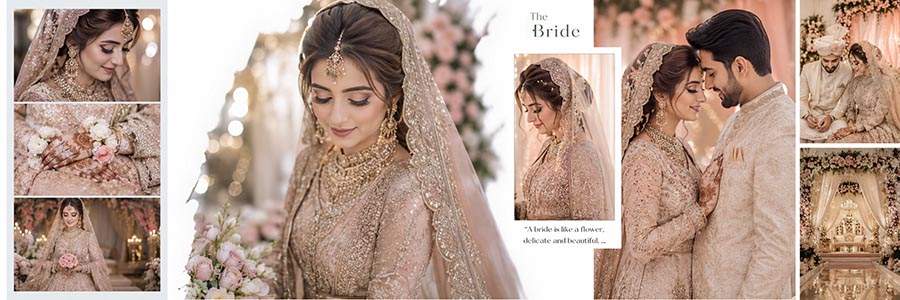
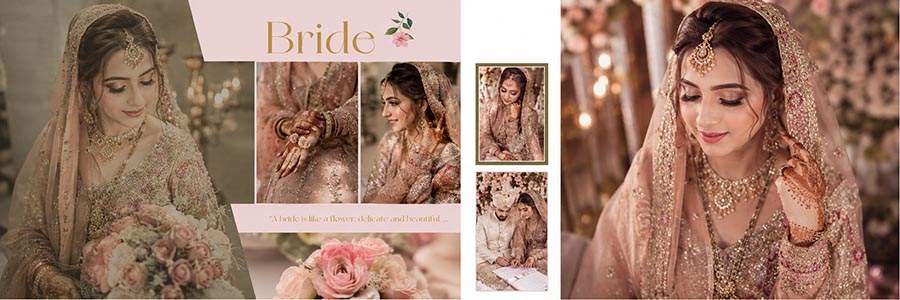
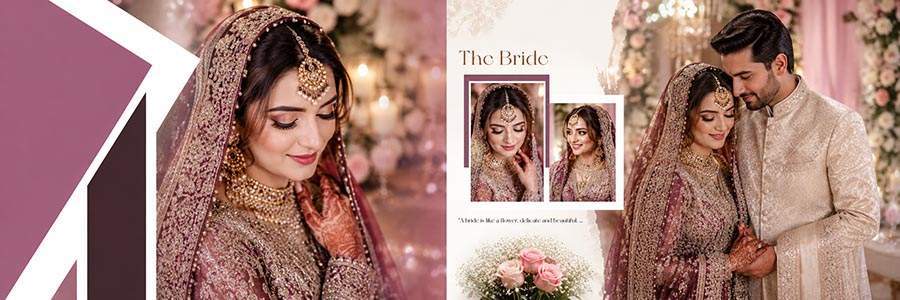
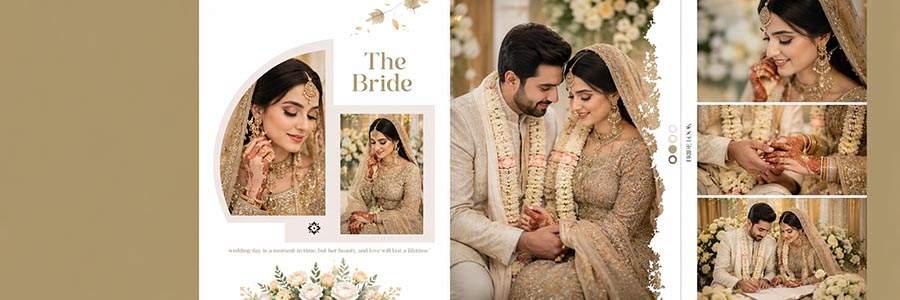
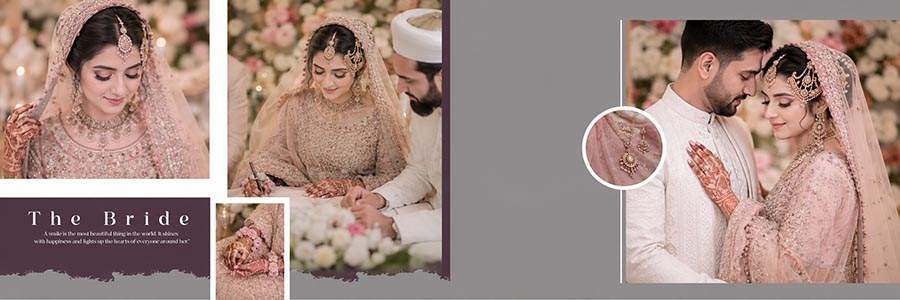
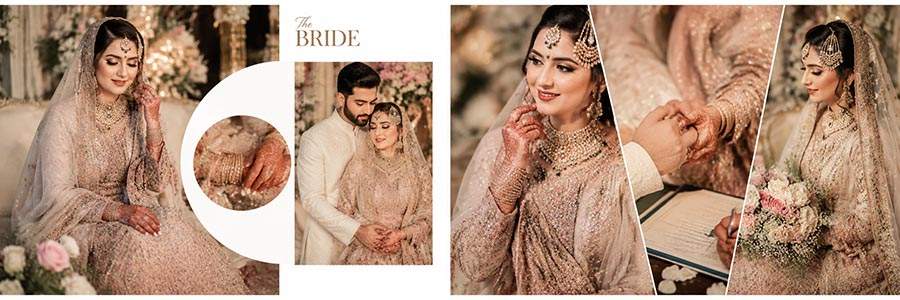
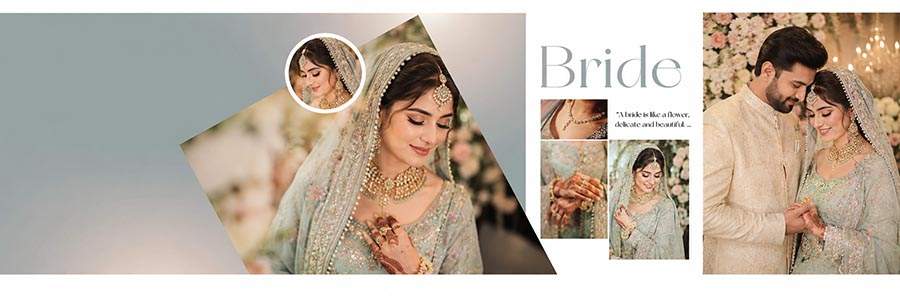
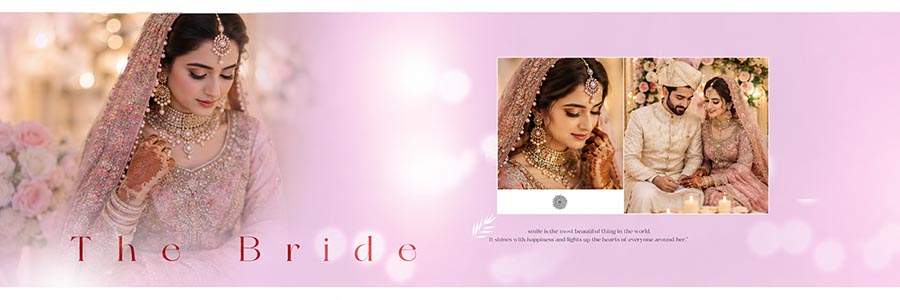
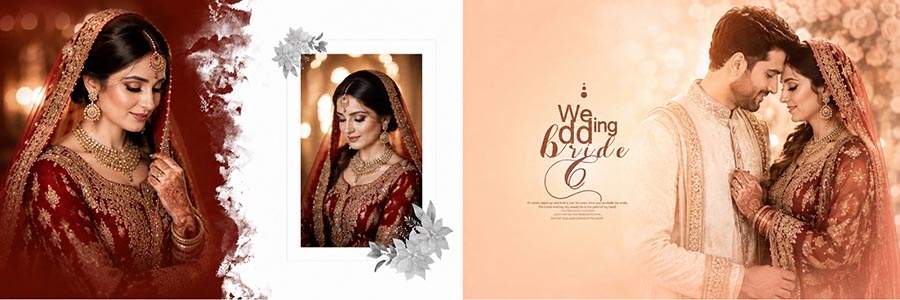
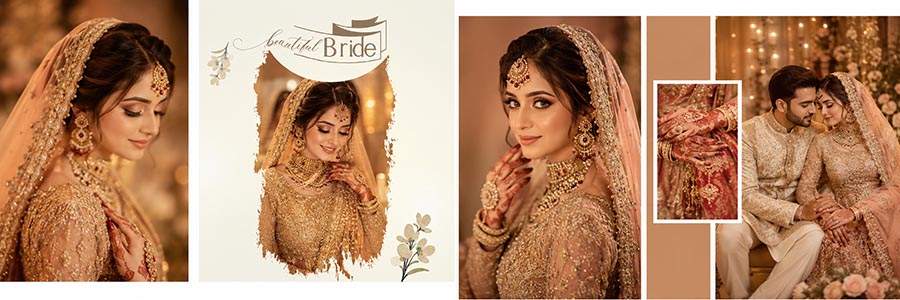
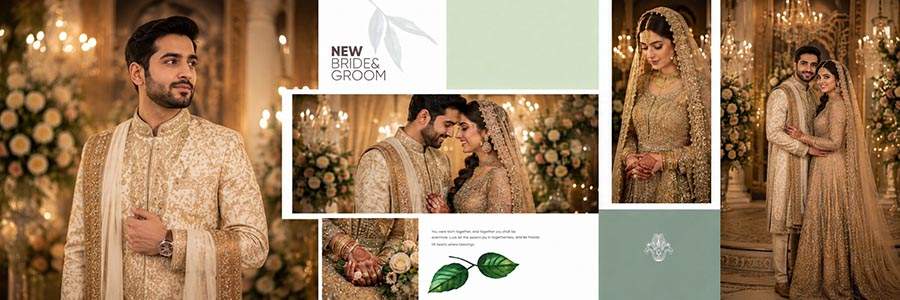
These 12×36 Wedding Album Design PSD templates are created for Photoshop users who want stylish album layouts without starting every page from zero. Each PSD file gives designers a ready-made base where they can add bride photos, groom portraits, couple shots, family images, and wedding ceremony moments.
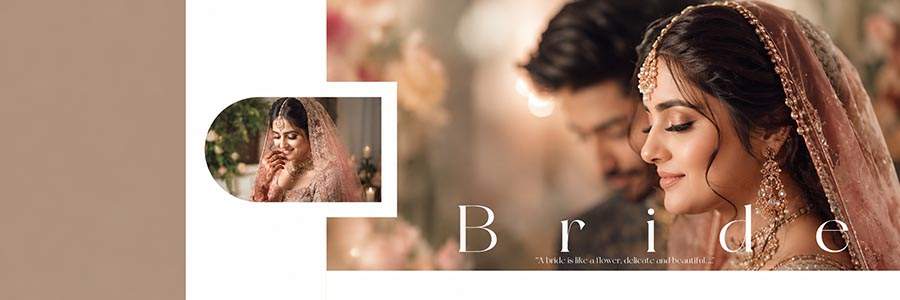
The 13 PSD files can be used for wedding album inner pages, bride and groom layouts, couple collage pages, and studio album projects. The 12×36 size is commonly used for wedding album designing, so this pack is helpful for regular album work in photo studios. Some layouts can support large couple photos, while other designs are better for multiple photo collage arrangements.
All PSD files are editable in Adobe Photoshop and come without password. After downloading, users can open the PSD file, replace the sample images with client photos, adjust the photo placement, edit names or text if included, and export the final design as JPG, PNG, or print-ready output.
Why These Stylish Wedding Album PSD Templates Are Useful
A wedding album page should look clean, balanced, and suitable for the couple’s photos. These free 12×36 wedding album PSD designs help designers save time because the main layout, frames, background style, and photo placement are already prepared.
You can use these templates for bride and groom portraits, wedding ceremony photos, candid couple images, family group photos, and traditional wedding moments. The editable PSD format gives you control over photo replacement, color correction, text editing, and final export settings.
This type of PSD pack is useful for designers who handle regular wedding album orders. Instead of creating every page manually, you can select a suitable layout, add client photos, make small adjustments, and prepare the final album page faster.
How to Edit 12×36 Wedding Album PSD in Photoshop
You can customize these wedding album design PSD files in Adobe Photoshop. Follow these simple steps to prepare your final album page:
- Download the PSD file from the download section below.
- Extract the file with WinRAR if the downloaded file is compressed.
- Open the PSD template in Adobe Photoshop.
- Replace sample images with bride, groom, couple, family, and ceremony photos.
- Adjust photo cropping, background, text, colors, and effects if needed.
- Check the final layout carefully before saving for print.
- Export the completed design as JPG, PNG, or print-ready output.
Stylish Wedding Album PSD Features
- Total Designs: 13 PSD Files
- Album Size: 12×36
- File Format: Editable PSD
- Software: Adobe Photoshop
- Password: No Password
- Design Type: Wedding Album Design PSD
- Best For: Wedding photographers, album designers, Photoshop editors, photo studios, and graphic designers
- Use: Wedding album pages, bride groom layouts, couple collage pages, and client album projects
Related Wedding PSD Resources
You can also explore more free wedding album PSD templates for daily album designing work.
For more designs in the same format, check our 12×36 Wedding Album PSD designs collection.
If you need matching front designs, visit our Wedding Album Cover PSD section.
For creative multi-photo pages, you can also check collage PSD templates for Photoshop editing.
Download Free 12×36 Wedding Album PSD Files
Scroll down and check each preview image before downloading. Add your preview image and download link under each PSD design so users can select the wedding album layout they want.
Frequently Asked Questions
Is this 12×36 Wedding Album Design PSD pack free?
Yes, this post provides 13 free stylish wedding album design PSD files for Photoshop users.
Do these PSD files have a password?
No, these PSD files are provided without password.
Can I edit these wedding album PSD templates in Photoshop?
Yes, you can edit photos, text, colors, background, and layout elements in Adobe Photoshop.
What is the size of these wedding album PSD files?
These PSD templates are designed in 12×36 wedding album size.
Who can use these PSD templates?
These templates are useful for wedding photographers, album designers, Photoshop editors, photo studios, and graphic designers.
Can I use these designs for client album work?
Yes, you can customize these PSD files with your client photos and use them for wedding album design projects.
Conclusion
These 13 Free Stylish 12×36 Wedding Album Design PSD files are helpful for creating wedding album pages quickly in Photoshop. The pack includes editable layouts that can be customized with bride, groom, couple, family, and ceremony photos.
Download the free PSD files, edit them in Adobe Photoshop, and create stylish wedding album pages for your next client project.