This free collection includes 20 Studio Background PSD designs from Vol 1 for photographers, Photoshop editors, photo studio owners and graphic designers. These PSD backgrounds are useful for creating studio portraits, wedding edits, birthday photos, model shoots, couple portraits and client photo projects in Adobe Photoshop.
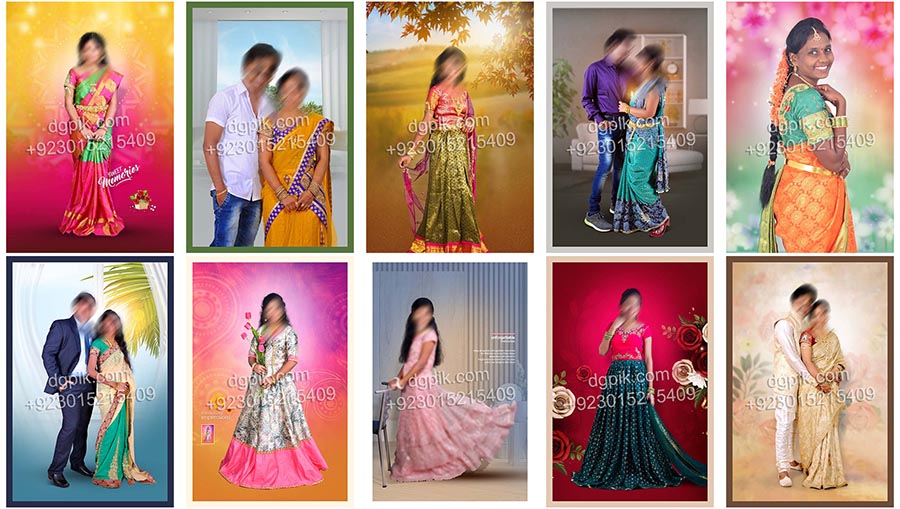
The pack includes 20 editable PSD files with no password. Users can open the selected background PSD in Adobe Photoshop, add their own subject photo, adjust the placement and prepare a final studio-style image for personal, social media, portfolio or client work.
What Is Included in This Free Studio Background PSD Pack?
This Free 2026 Studio 60 Background PSD Download Vol 1 pack includes 20 PSD backgrounds from the complete studio background collection. These designs are made for users who need ready-made Photoshop backgrounds for fast photo editing and professional-looking studio output.
The backgrounds can be used for portrait editing, couple photo editing, wedding studio edits, kids photography, model shoots and creative client work. Each PSD gives editors a prepared design base, so they can focus on matching the subject photo, lighting and final color adjustment.
Preview all 20 designs below and use the numbered download button under each preview to download the exact PSD file you need.
Verified Technical Information
| Detail | Information |
|---|---|
| Product Type | Free Studio Background PSD Pack |
| Volume | Vol 1 |
| Total Files | 20 PSD Files |
| File Type | PSD |
| Password Status | No Password |
| Photoshop Compatibility | Created and checked for Photoshop 7.0 and newer Photoshop versions including CC 2021, CC 2022, CC 2023, CC 2024, CC 2025 and latest versions |
| Photographs Included | Preview photographs are for demonstration only and are not included in the PSD files |
| Fonts Included | Free fonts may be used; font files are not included |
| Best For | Studio background editing, portrait design, wedding edits, birthday edits, model photos and photo studio work |
Created and Tested by DGPik
All 20 studio background PSD designs in this free Vol 1 collection were created and tested by Dilawar at DGPik. Each file was checked for Photoshop editing and practical background use before publication.
The photographs shown in the preview layouts are demonstration images created for DGPik preview use. These photographs are not included in the downloadable PSD files. Users can add their own personal, studio or client photographs while editing the PSD files.
Usage License
You may edit these PSD backgrounds and use the completed images for personal work, portfolio work and client photo projects. You may not resell, re-upload, redistribute, share or package the original PSD files as your own free or premium collection.
PSD 01 to PSD 20 Previews and Downloads
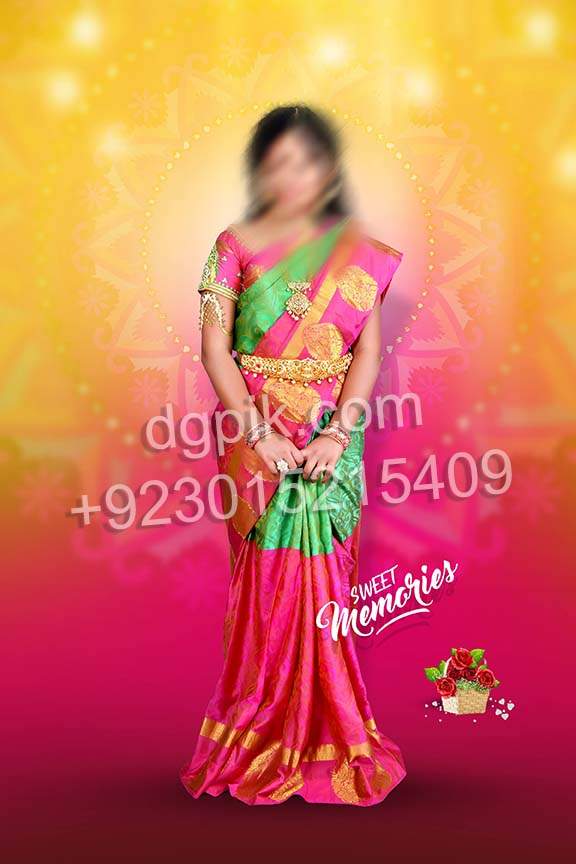
PSD 01 – Studio Background Design
This studio background PSD gives editors a ready base for portrait and client photo editing. It can be used for clean studio-style compositions where the subject photo needs a designed background in Photoshop.
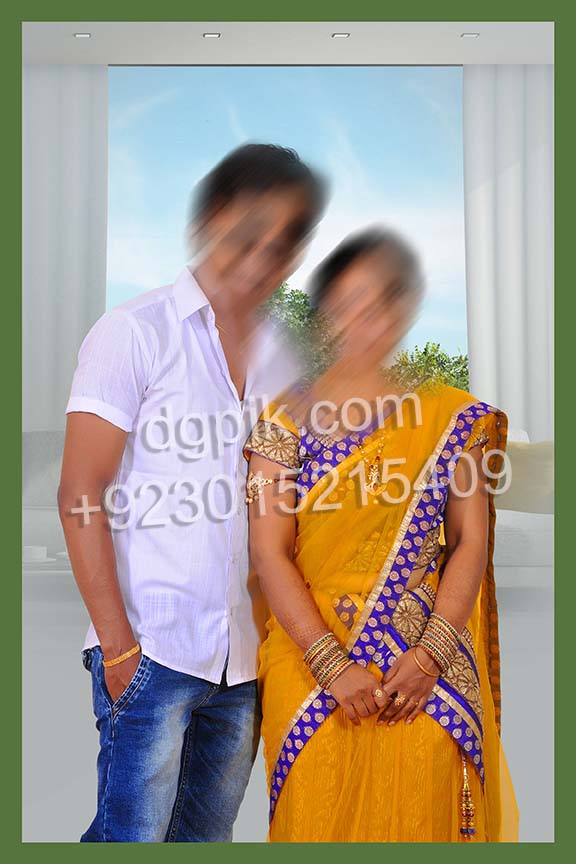
PSD 02 – Portrait Studio Background PSD
This PSD background is useful for portrait photos and simple studio editing work. Users can place their own subject image, adjust the scale and prepare a clean final design for personal or client use.
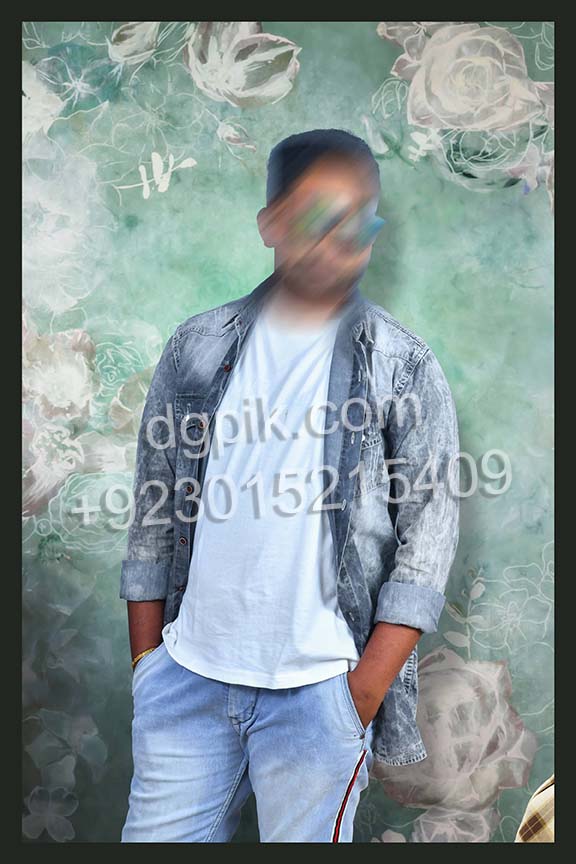
PSD 03 – Creative Studio Photo Background
This design is suitable for creative Photoshop edits where the photo needs a stylish studio background. It can be used for model photos, couple images, profile edits and studio sample work.
PSD 04 – Photo Studio Editing Background
This PSD provides a prepared background layout for photo studio editing. It helps editors save time by giving them a ready background design for placing subject photos and completing the final edit faster.
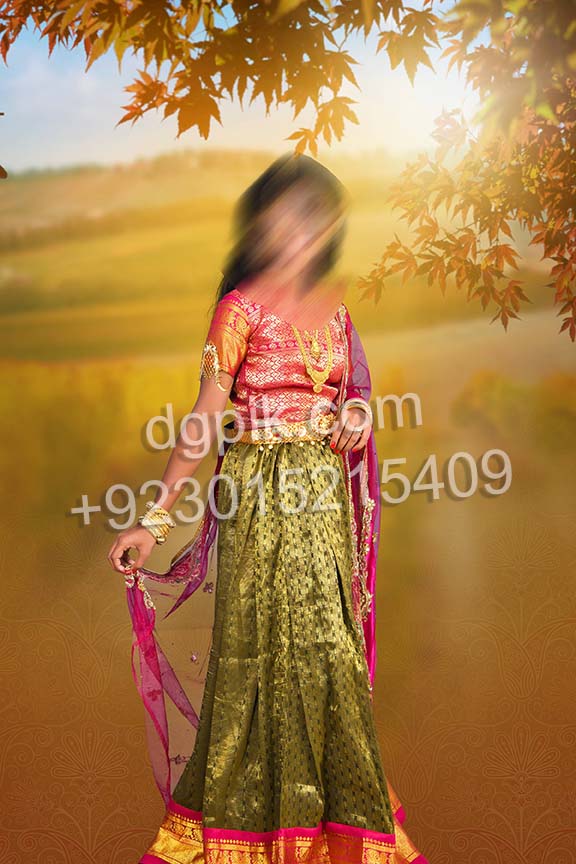
PSD 05 – Wedding Studio Background PSD
This background PSD can be used for wedding-related studio edits and couple photos. It gives Photoshop users a ready design base for creating attractive edited images for albums, previews and client delivery.
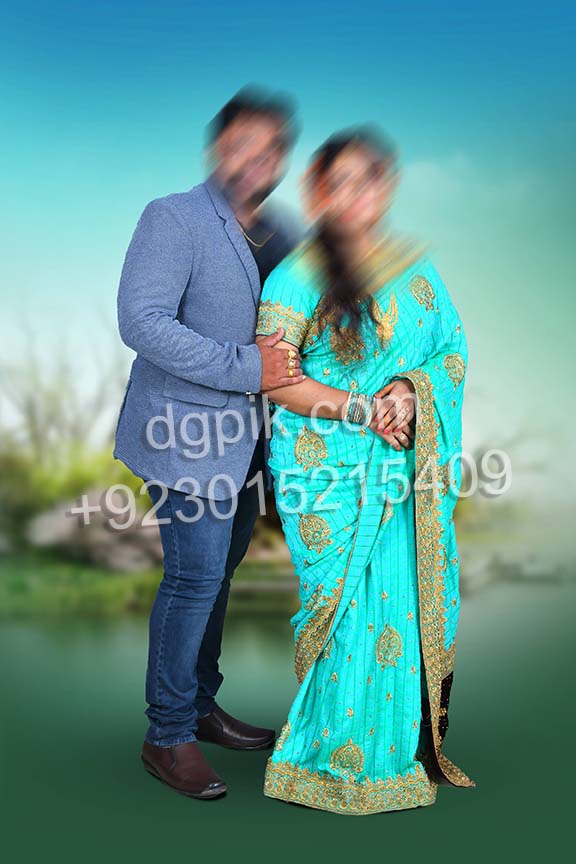
PSD 06 – Couple Photo Studio Background
This PSD design is helpful for couple portraits and romantic photo edits. Editors can place the subject photo into the background and adjust the final look according to the project style.
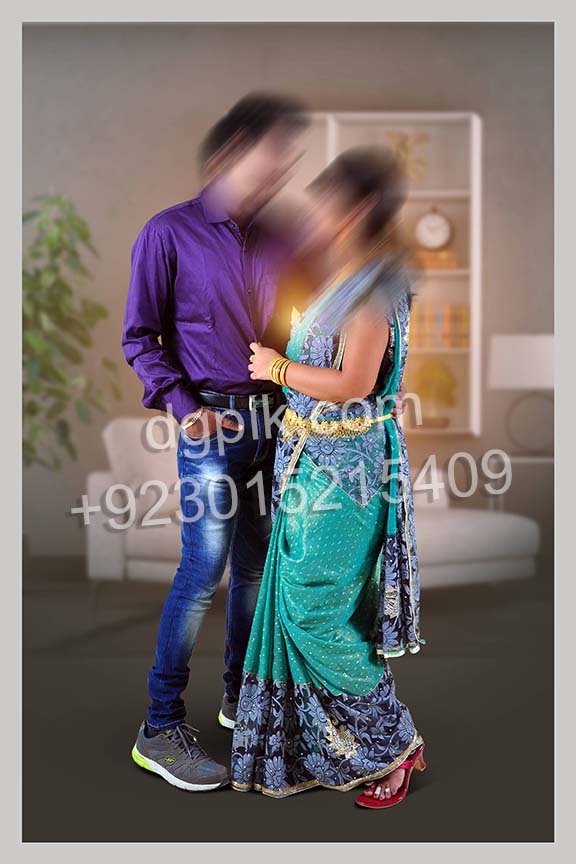
PSD 07 – Model Shoot Background PSD
This studio background can be used for model photography, portfolio edits and creative portrait work. It gives designers a flexible PSD base for preparing professional-looking Photoshop compositions.
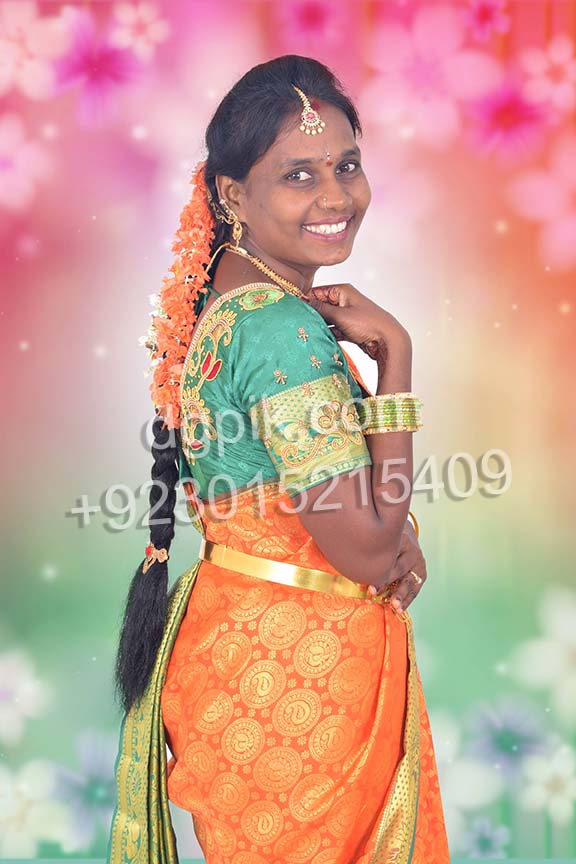
PSD 08 – Client Photo Background Design
This PSD is useful for photo studio clients who need clean edited images with a designed background. It can support portrait, couple and personal photo projects after replacing the preview subject.
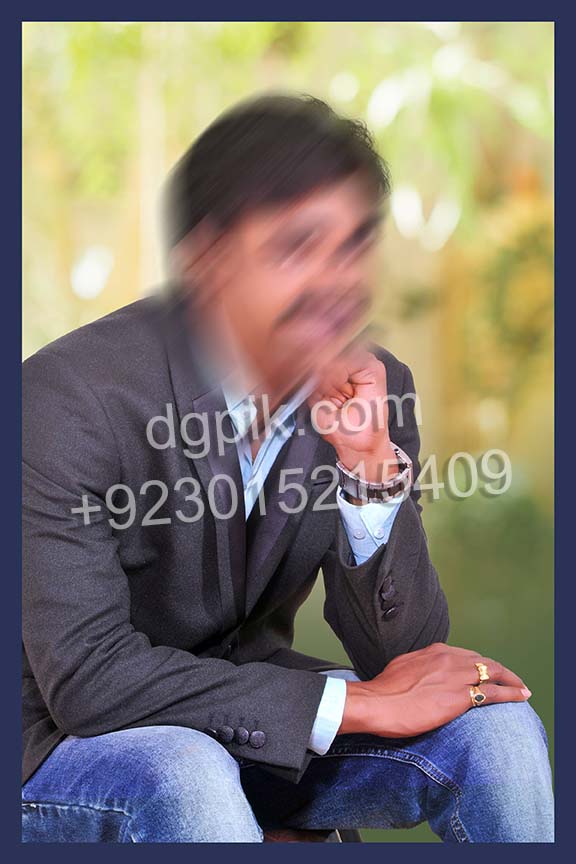
PSD 09 – Birthday Studio Background PSD
This background PSD can be used for birthday photo editing and creative portrait compositions. Users can add their own photos and prepare a polished design for digital sharing or studio output.
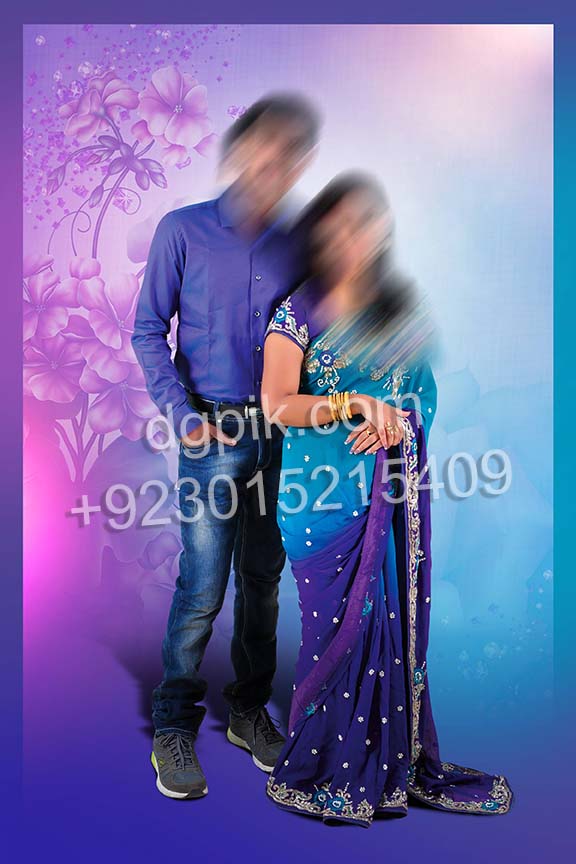
PSD 10 – Kids Photo Studio Background
This PSD background is suitable for kids photography and family photo editing. It helps designers create a ready studio look without building the full background design from the beginning.
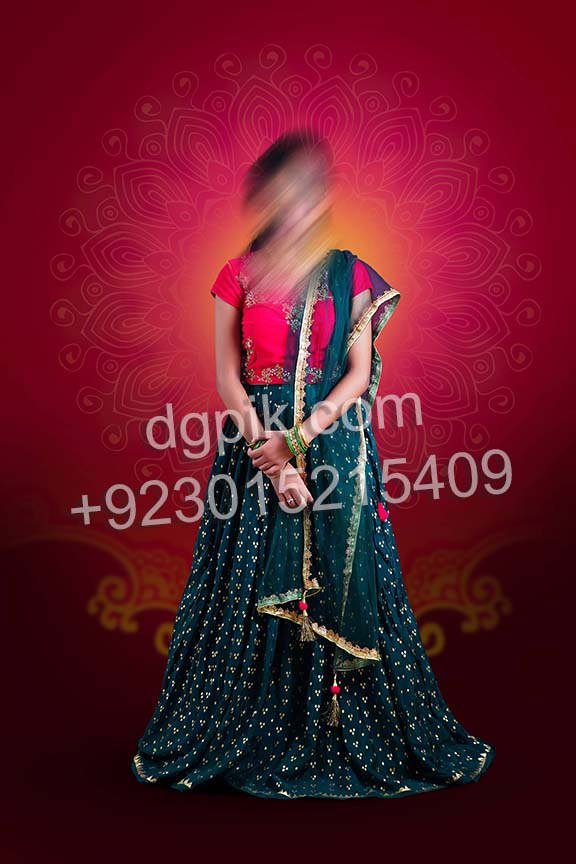
PSD 11 – Simple Studio Background PSD
This design gives users a simple studio background for quick photo editing. It can be used for profile pictures, personal portraits, studio samples and regular Photoshop background replacement work.
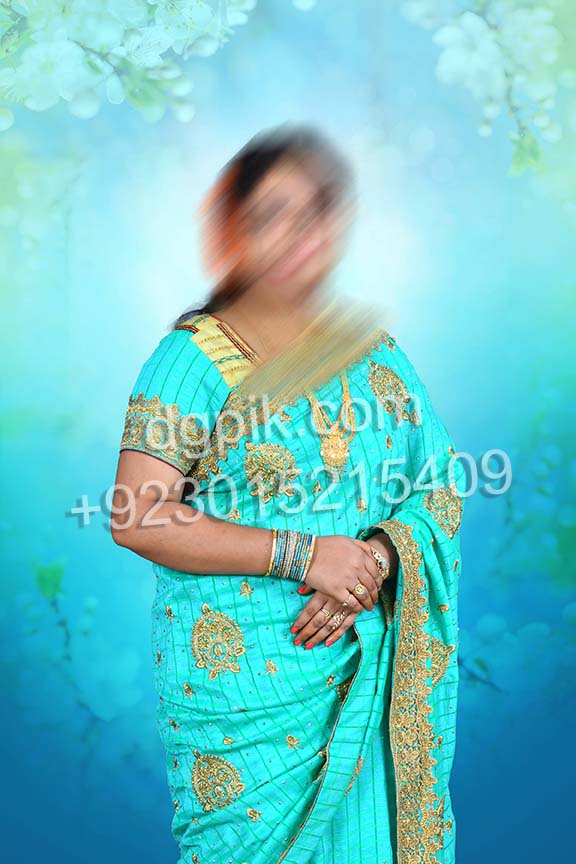
PSD 12 – Stylish Photo Background PSD
This PSD background is useful for creating stylish edited photos with a prepared design base. Editors can place their subject image and adjust the final composition for studio or client presentation.
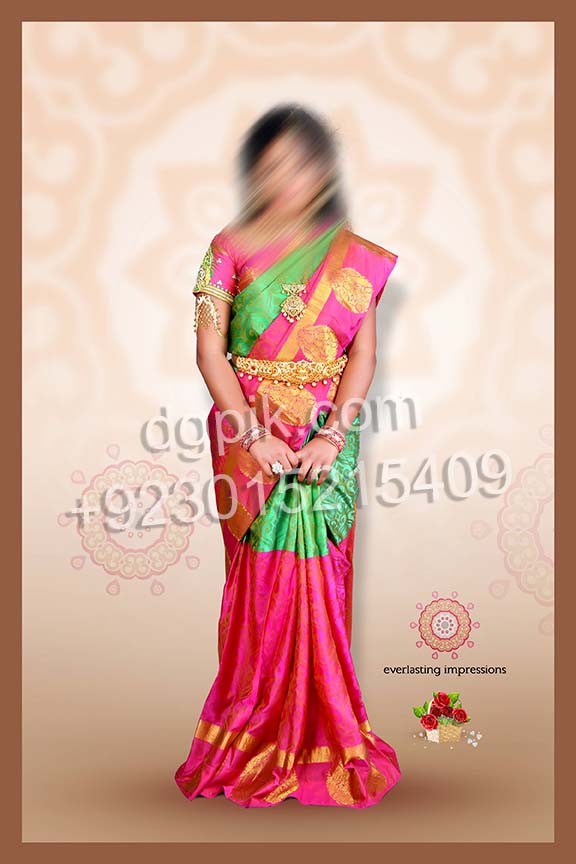
PSD 13 – Studio Portrait Background Design
This background design is suitable for studio portrait work and personal photo editing. It gives Photoshop users a ready layout that can be customized with subject photos and final adjustments.
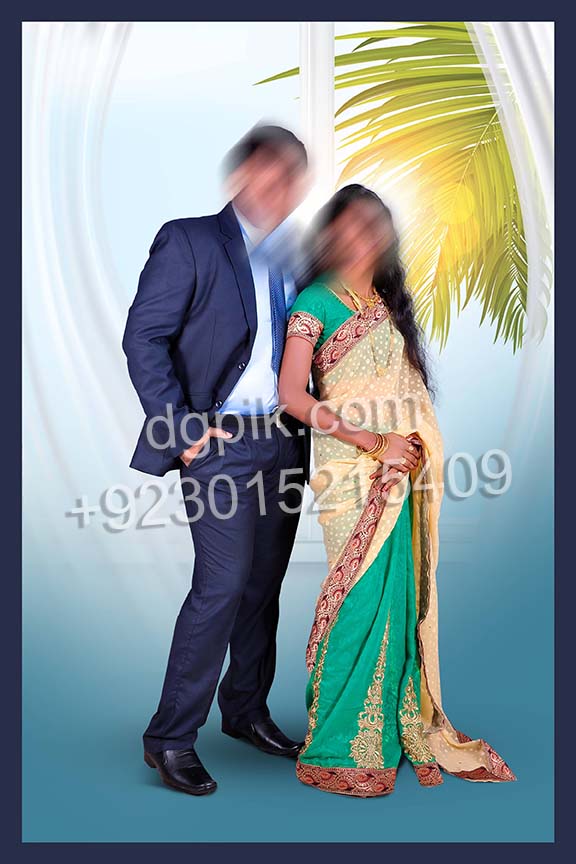
PSD 14 – Creative Portrait Background PSD
This PSD is made for creative portrait editing where the background needs a designed studio look. It can be used for social media images, portfolio edits and client photo delivery.
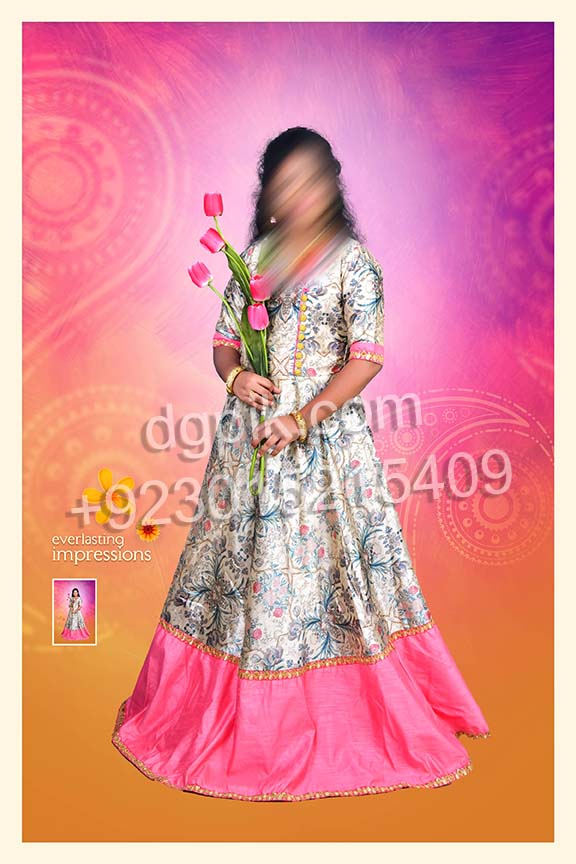
PSD 15 – Photo Editing Background Layout
This layout helps users create photo edits with a ready-made PSD background. It is useful for regular studio work where editors need fast background replacement and clean final output.
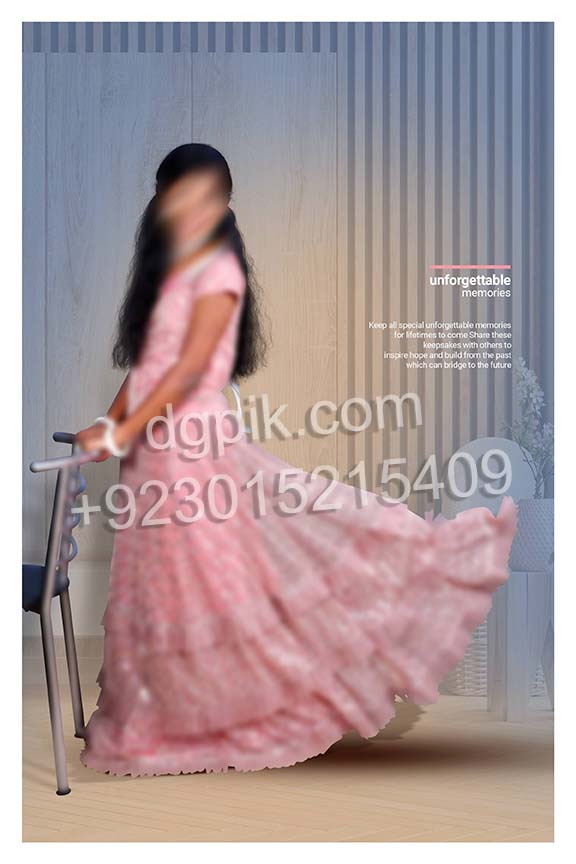
PSD 16 – Professional Studio Background PSD
This studio background PSD can be used for client photos, portfolio images and creative portrait edits. It provides a ready design setup for Photoshop users who want a professional background style.
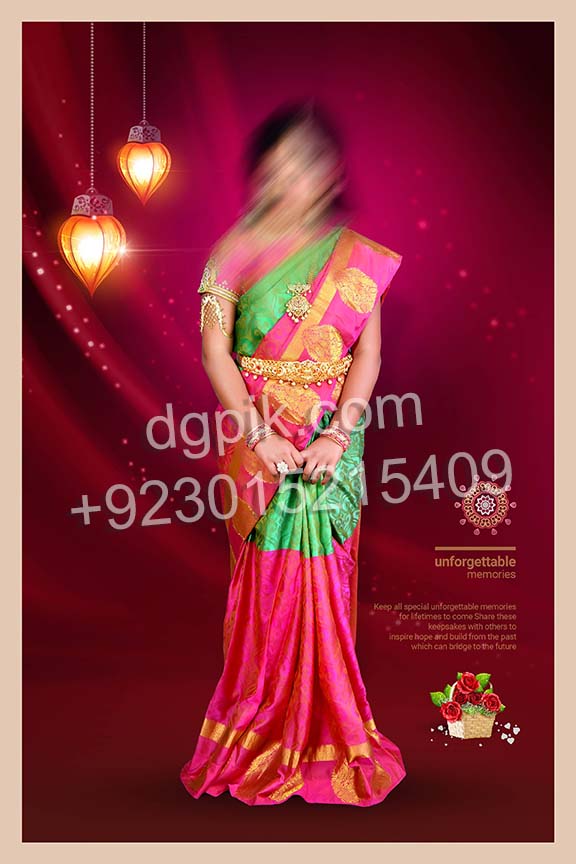
PSD 17 – Family Photo Background PSD
This PSD background is suitable for family portraits and group photo editing. Users can add their own images and create a neat studio-style design for personal or client projects.
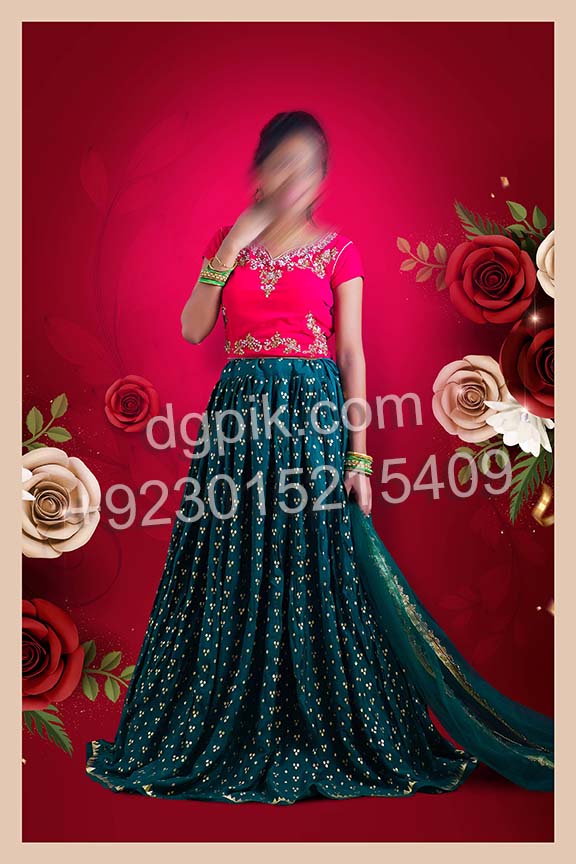
PSD 18 – Modern Studio Background PSD
This modern studio background can be used for portrait photos, couple images and creative Photoshop edits. It gives editors a ready PSD design for fast and clean photo presentation work.

PSD 19 – Free Studio PSD Background
This free studio PSD background is useful for basic portrait editing and studio sample creation. Designers can replace the preview subject with their own image and export the final edited photo.
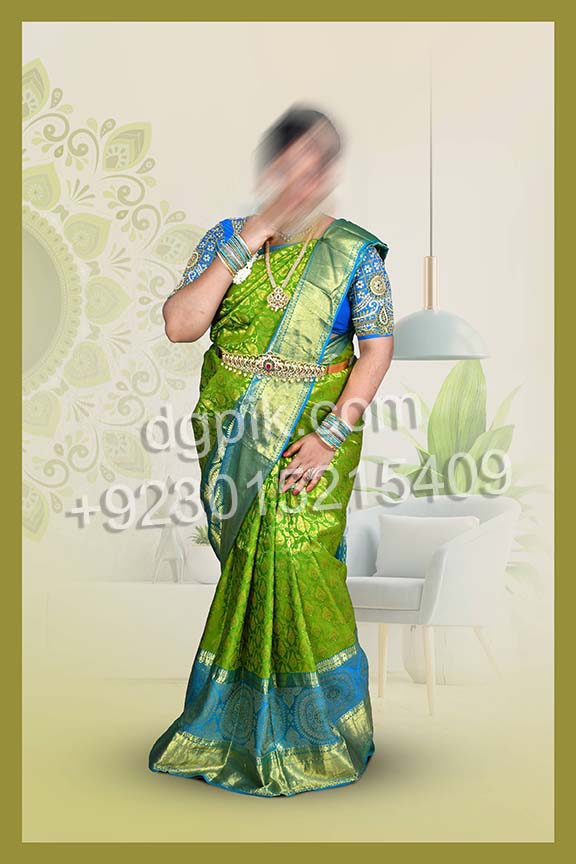
PSD 20 – Vol 1 Studio Background PSD
This final PSD completes the free 20-design Studio Background Vol 1 pack. It can be edited with personal or client photos and used for studio-style Photoshop background replacement projects.
How to Edit These Studio Background PSD Files in Photoshop
After downloading any PSD file, open it in Adobe Photoshop and check the layer panel before editing. Add your subject photo, adjust the placement and match the image with the background for a clean final result.
- Download the selected PSD file using the numbered button below the preview.
- If the file is compressed, extract it using WinRAR or another trusted extraction tool.
- Open the PSD file in Adobe Photoshop.
- Add your cutout subject photo or portrait image to the design.
- Adjust the subject size, position and basic lighting to match the background.
- Edit text only where editable text layers are available.
- If Photoshop shows a missing font warning, download and install the required free font from a trusted source.
- Check the final image carefully before exporting.
- Export the completed design as JPG, PNG or another format required for your project.
Frequently Asked Questions
How many PSD files are included in this pack?
This Free 2026 Studio 60 Background PSD Download Vol 1 pack includes 20 editable PSD files.
Do these PSD files have a password?
No. This free studio background PSD pack is provided without a password.
Can I use these backgrounds for client work?
Yes. You can edit the PSD backgrounds and use the completed images for personal projects, portfolio work and client photo editing. The original PSD files cannot be resold, shared or redistributed.
Are sample photos included in the download?
No. Preview photographs are used for demonstration only and are not included in the PSD files. Users need to add their own subject photos while editing.
Are fonts included with the PSD files?
No. Free fonts may be used in the designs, but font files are not included in the download package. If a missing font warning appears, users can download the required free font from the internet.
Which software is required to edit these files?
Adobe Photoshop is required to open and edit these PSD files properly.
Conclusion
This Free 2026 Studio 60 Background PSD Download Vol 1 pack is useful for Photoshop users who need ready-made studio backgrounds for portrait, wedding, birthday, couple and client photo editing work. The 20 PSD files help editors save time and create clean studio-style images faster.
Download the PSD background you need, add your own subject photo and export the final design according to your editing or client project requirements.
About the Creator
Dilawar is the founder of DGPik and a graphic designer, photographer and wedding album editor. He creates and tests Photoshop resources for wedding photographers, album designers and photo studios.
Azaan supports content writing and publishing at DGPik. Posts prepared by Azaan are reviewed by Dilawar before publication.